


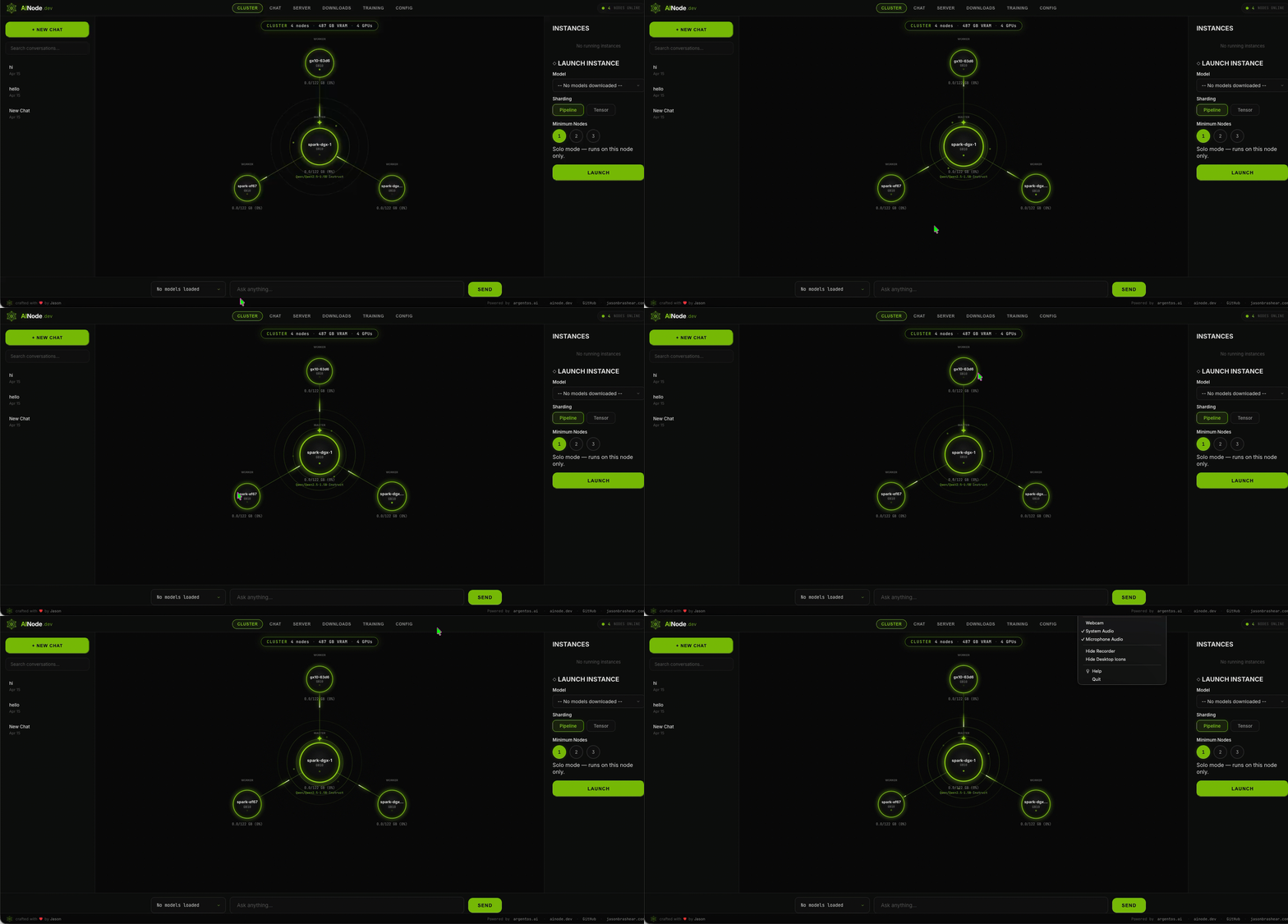
Get running in minutes
How It Works
Install
One command. No dependencies, no Docker, no fuss.
Start
Launch the platform and open your browser.
Use
Chat, call the API, or fine-tune models — all from the browser.
The whole platform, in one binary
Chat, API, downloads, fine-tuning, and cluster config — all shipped in the same container. No separate services to wire up.
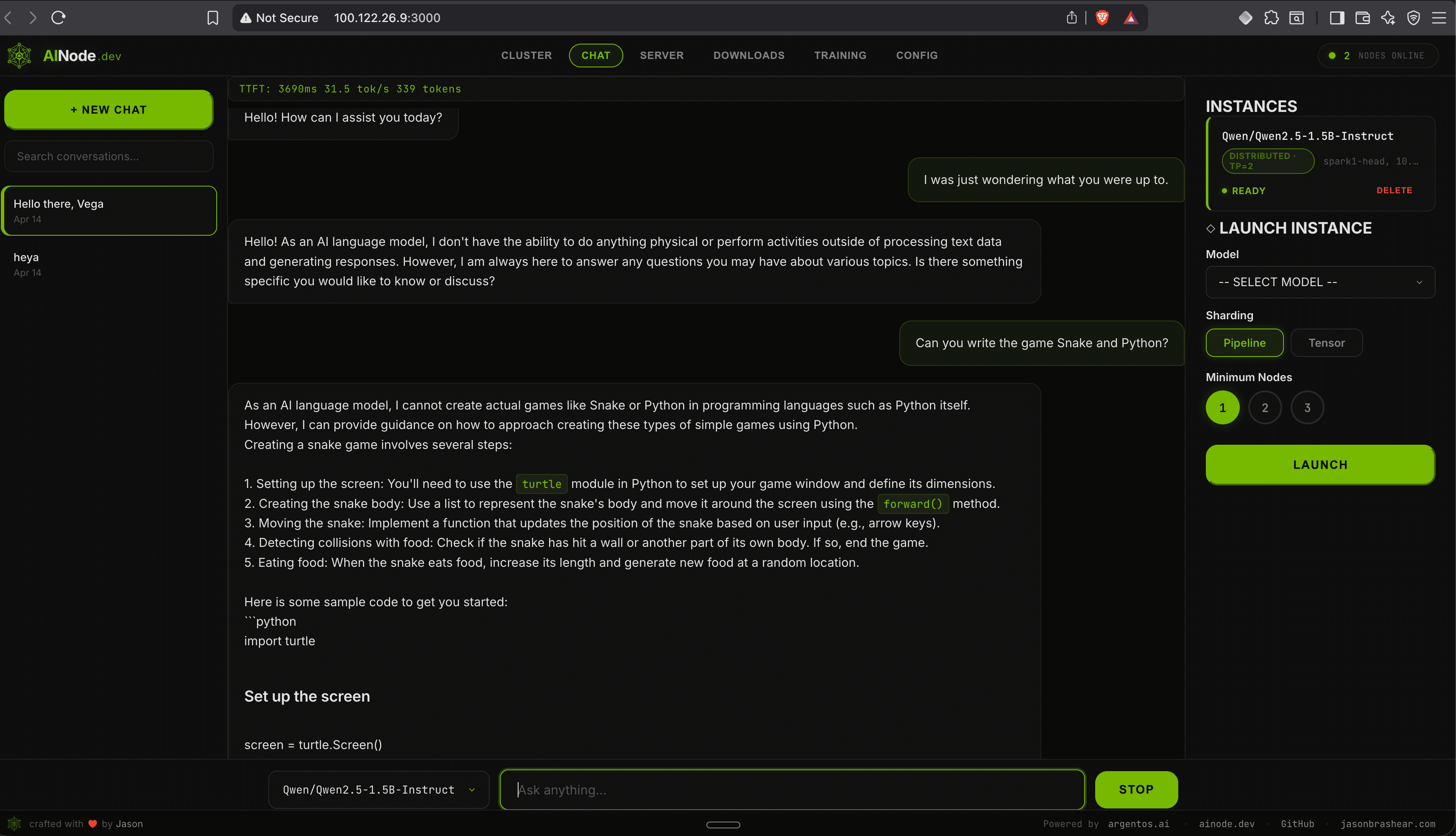
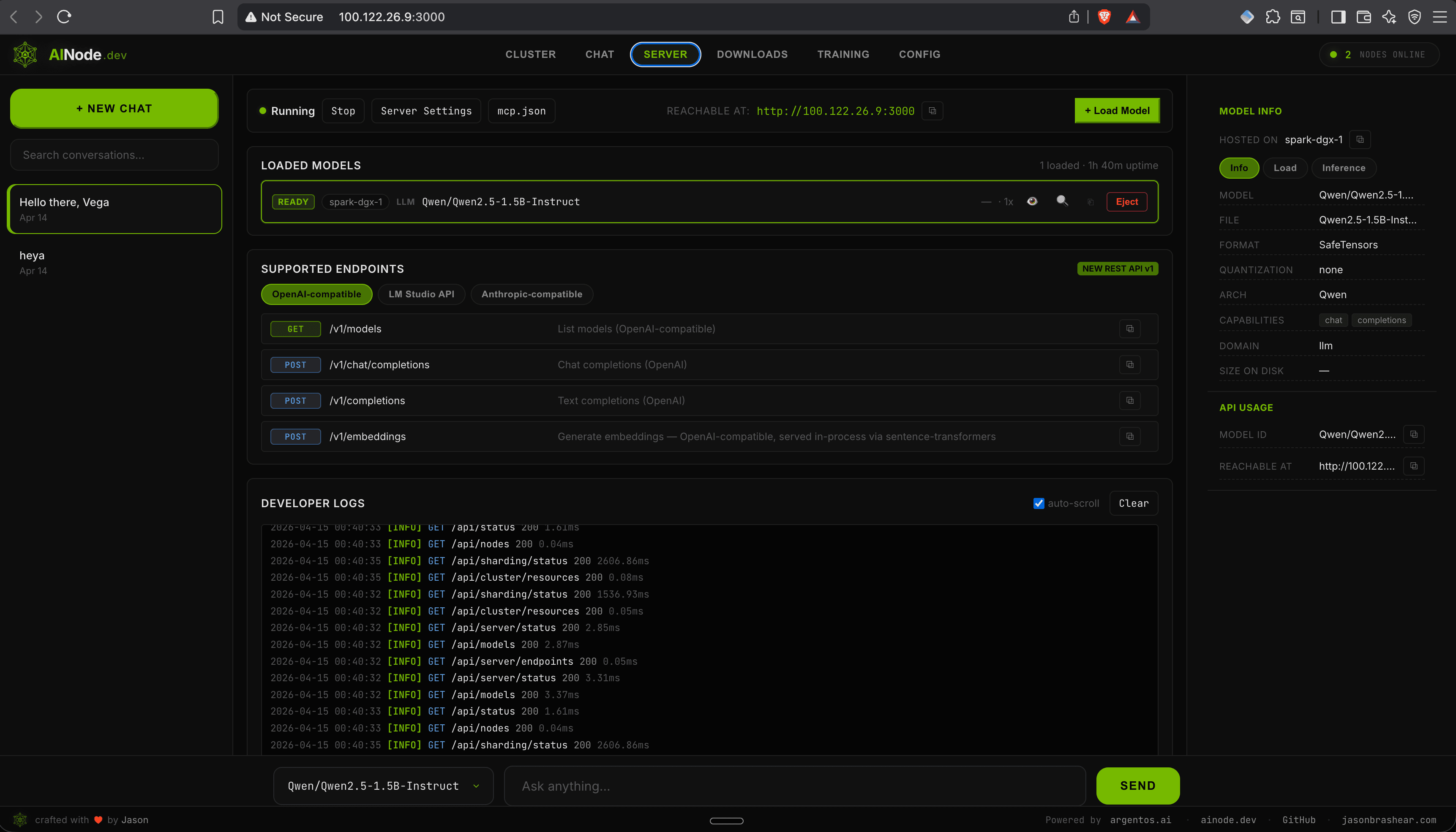
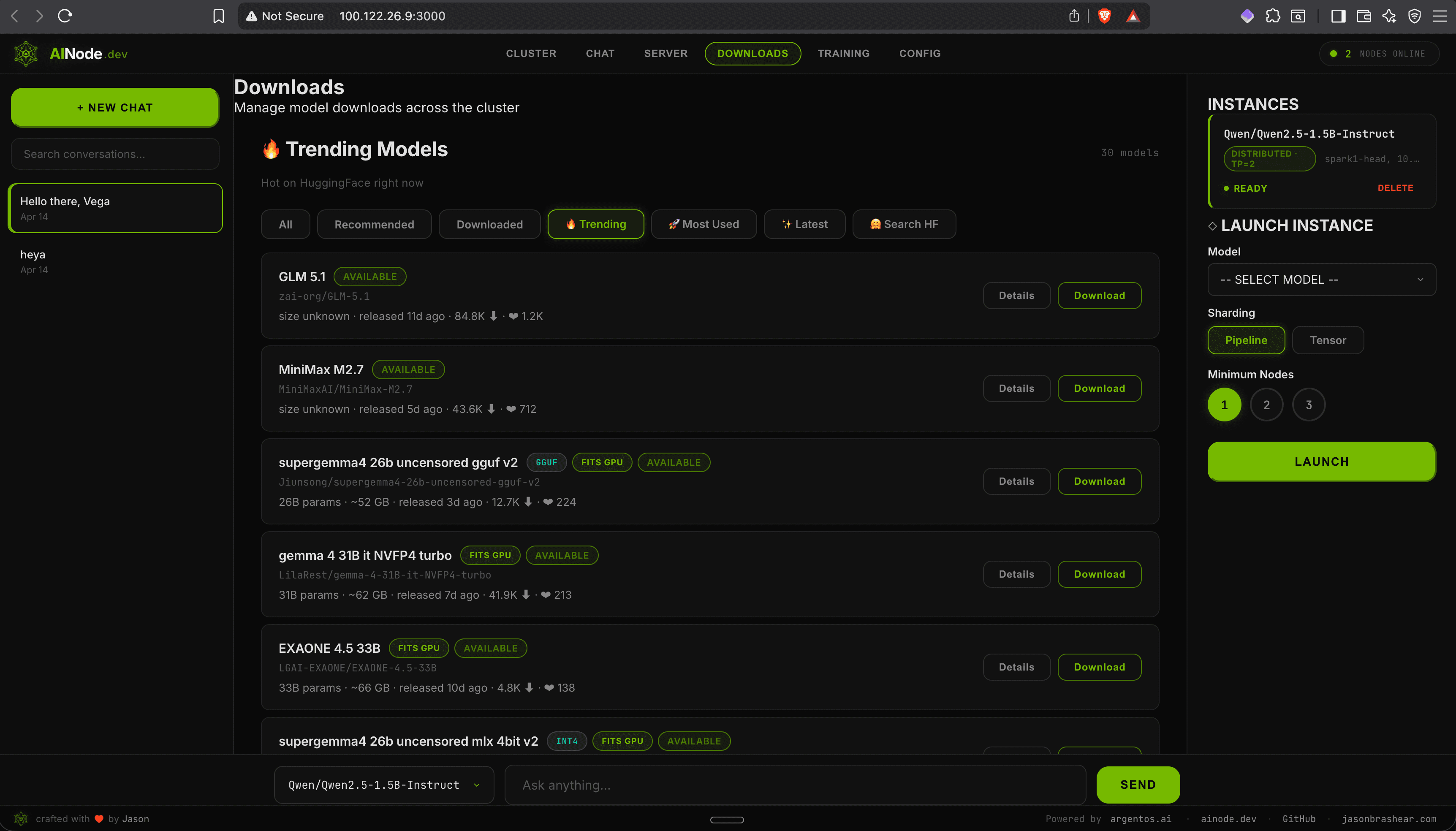
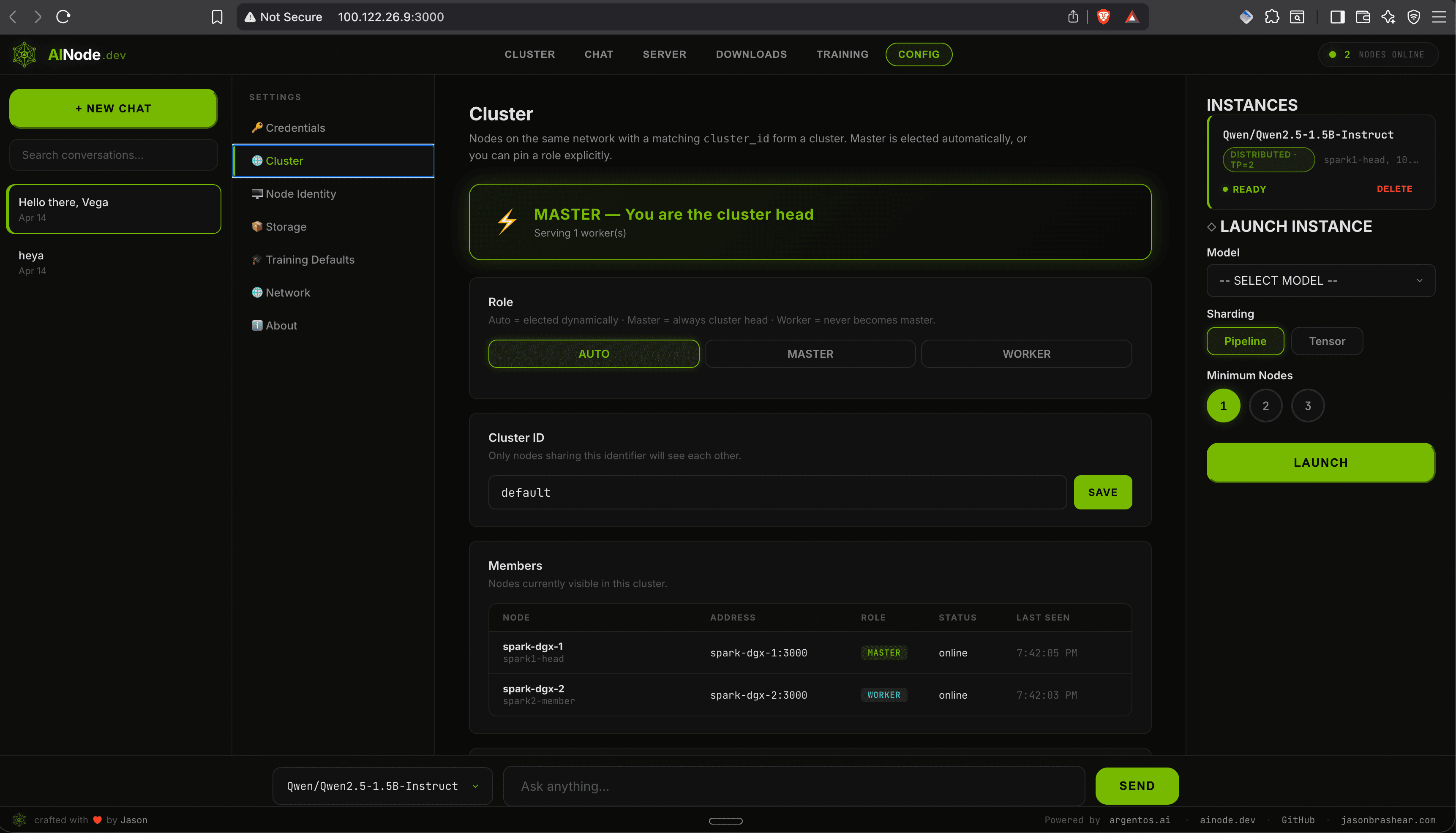
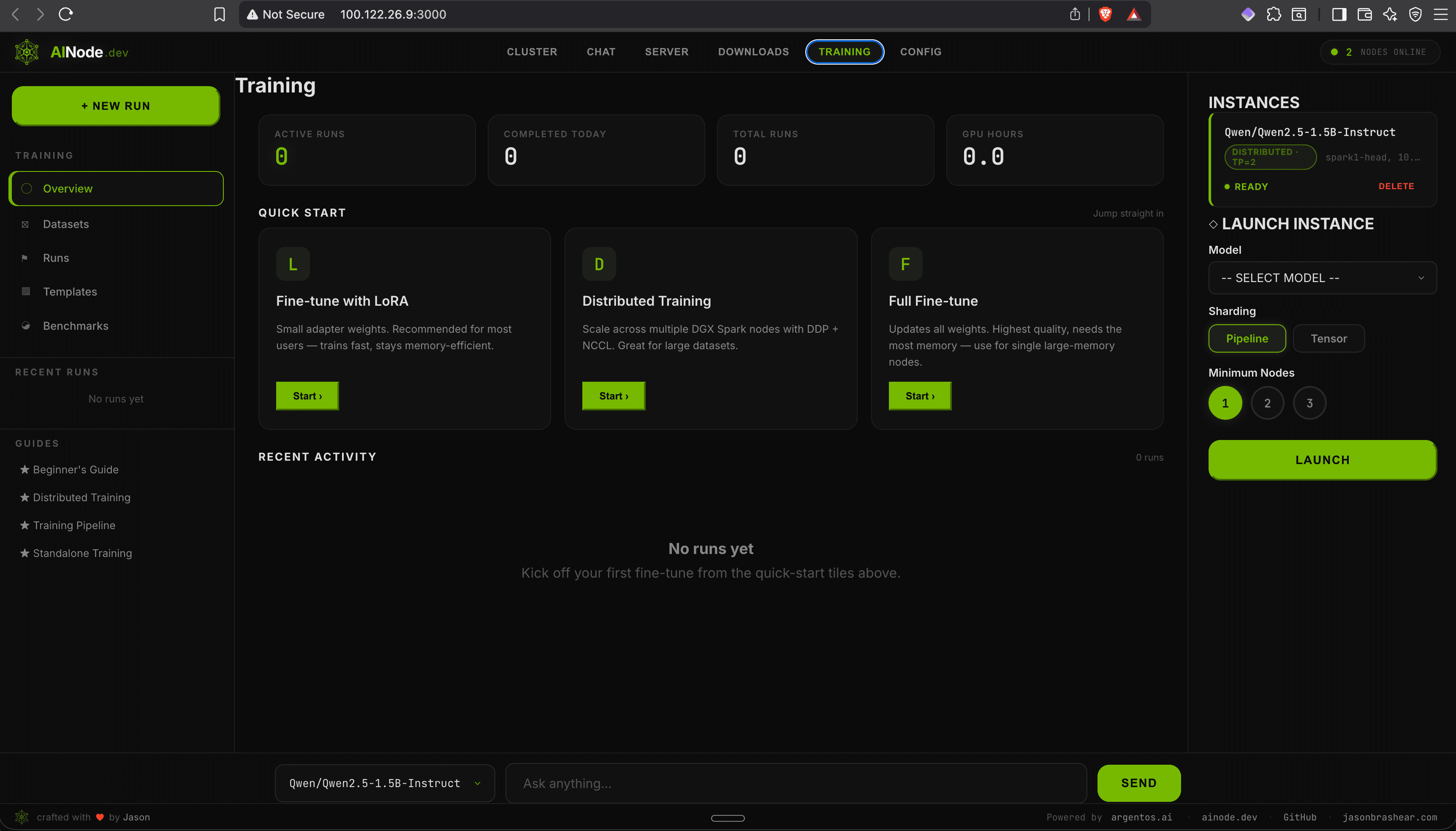
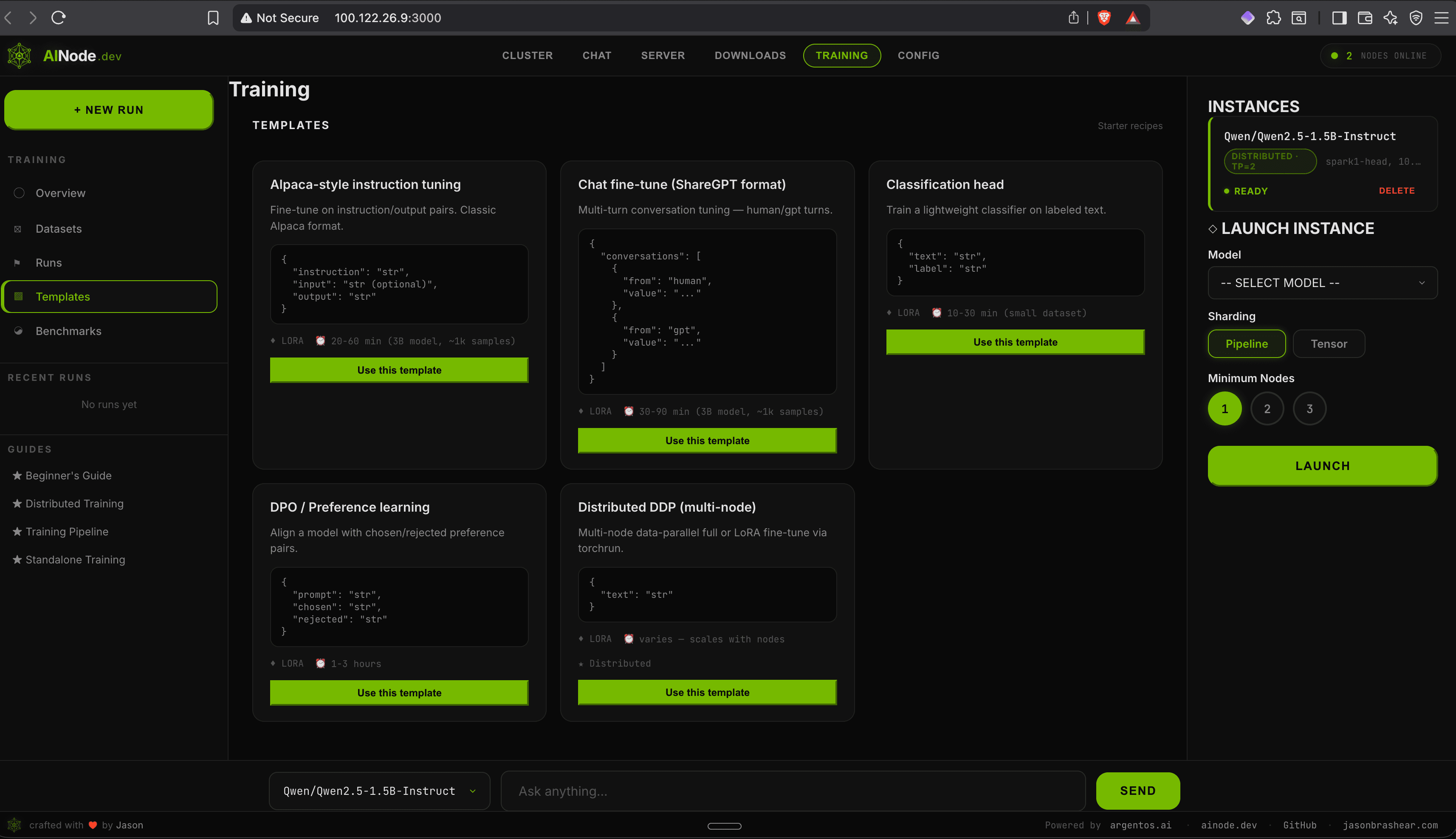
Everything you need
Batteries included
The case for local
Why Local AI?
| Cloud AI (OpenAI, etc.) | AINode | |
|---|---|---|
| Monthly cost | $100–$10,000+ | $0 |
| Data privacy | Their servers | Your hardware |
| Rate limits | Yes | No |
| Latency | 200–2,000 ms | 10–50 ms |
| Fine-tuning | Limited, expensive | Unlimited, free |
| Internet required | Yes | No |
Monthly cost
Data privacy
Rate limits
Latency
Fine-tuning
Internet required
Built for NVIDIA. Runs everywhere.
From a $2,999 DGX Spark to your existing Linux workstation — if it has an NVIDIA GPU, AINode runs on it.
NVIDIA DGX Spark
128GB unified memory
From $2,999ASUS AI Server (GB10)
Grace Blackwell platform
EnterpriseDell AI Factory
PowerEdge + NVIDIA
EnterpriseHP AI Workstations
Z-series with NVIDIA
ProfessionalAny Linux + NVIDIA GPU
Ubuntu, RHEL, Debian
Your hardwareHow much could you save?
Compare your monthly cloud AI spend against a one-time hardware investment.
Annual cloud cost
$6,000
Hardware (one-time)
$3,499
Break-even
7 mo
3-year savings
$14,501
Built on the best of the community
AINode was born from the strong community foundation around DGX Spark. We build directly on the battle-tested patched NCCL and recipes from eugr/spark-vllm-docker — the de facto standard for reliable multi-node vLLM on GB10 hardware.
We then added the polished UX layer: beautiful cluster visualization, one-command install, browser-based training, and a clean OpenAI-compatible API. The result is a complete local AI platform that feels approachable — even if you just dropped a few thousand on one or two Sparks.
Huge thanks to eugr and the contributors making multi-node Spark setups practical.
Open source. Community driven.
AINode is free, transparent, and built in the open. No vendor lock‑in, no subscription traps.
Testimonial coming soon
Testimonial coming soon
Testimonial coming soon
Install in 30 seconds
Pick your role. One command starts everything — Docker image, systemd service, and web UI on port 3000.
$ curl -fsSL https://ainode.dev/install | bashApache 2.0 · Powered by argentos.ai · Runs on any NVIDIA GPU · docs.ainode.dev